A lead list can be damaged before anyone edits a cell. Open a CSV in a spreadsheet, let the application infer every column type, and an identifier that begins with zero may become a different string. A long numeric-looking key may also lose precision. The sheet can look tidy while the values needed to match records have changed.
For a marketing assistant, the important distinction is between a quantity and an identifier. You can add quantities meaningfully. You generally should not add contact IDs, postal codes, or account reference strings. Treat those values according to their role in the workflow, even when every character happens to be a digit.
Preserve the source before opening it
Keep the original export in the authorized working location and prepare a separate import copy. Record which system produced it, when it was exported, and what the rows represent. Do not rename the edited file as the untouched source. If a later reconciliation finds altered identifiers, the original export is the evidence needed to recover them.
The source record does not need a duplicate database of personal information. It needs a file reference, export scope, and ownership. Limit access to people working on the list. If a smaller sample will establish the import behavior, use that sample for the initial check rather than circulating the full prospect file.
Decide column types deliberately
Microsoft documents that Excel can remove leading zeros and convert large numbers, and that numeric precision is limited to 15 significant digits. It describes importing text data with the relevant columns treated as text. A visual number format is not a reliable substitute for preserving identifiers that must be exported again. Microsoft's identifier guidance
Before importing, mark the columns that represent record keys, postal codes, phone strings, or external references. Then inspect the import preview and set their type intentionally. The exact interface depends on the spreadsheet version. The principle is stable: prevent a numeric conversion before it occurs instead of trying to reconstruct the original characters afterward.
Use a small set of difficult examples
A useful test sample includes a value beginning with zero, a long identifier, an empty value, and a value that contains punctuation. Add any country-specific postal-code pattern that appears in the actual export. These cases should come from authorized test data or harmless fabricated values, not a screenshot of customer details shared broadly.
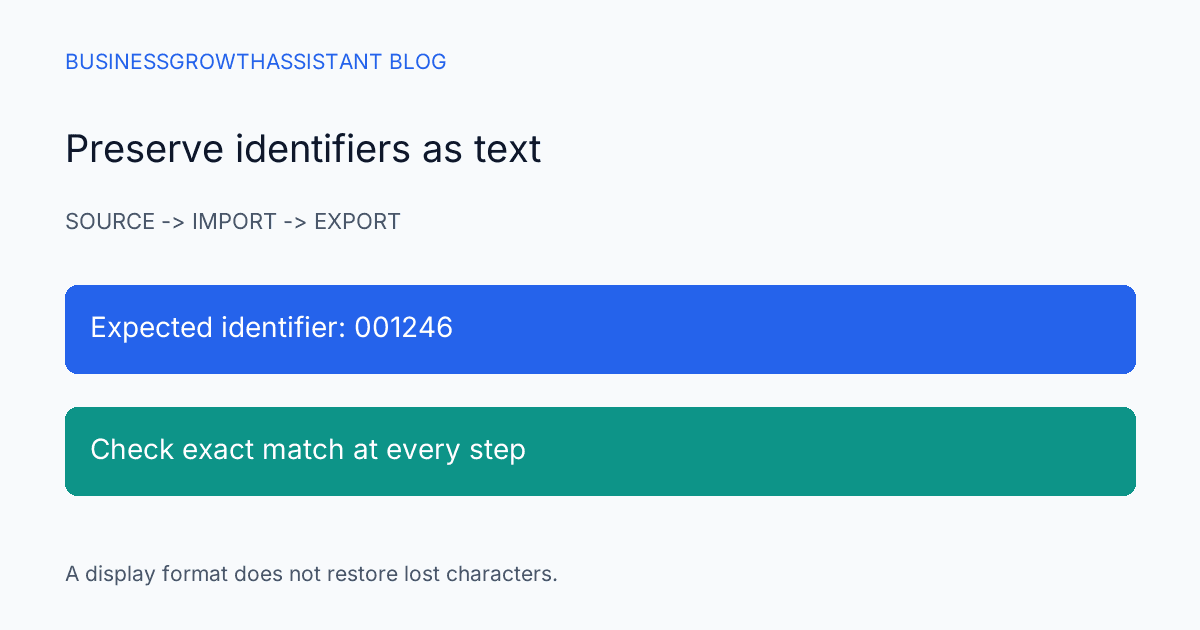
Compare each sample as a string. For example, the fictional identifier 001246 is not interchangeable with 1246 if the receiving system expects the original key. A screen that displays six digits through a formatting rule does not prove the stored value has six characters. The later export must preserve the intended string too.
Long keys deserve particular attention because several distinct identifiers can become indistinguishable after precision loss. If the first characters still look right, the error may survive a quick visual review. Compare the entire value against the source using an exact match, and stop the transfer if any character changed unexpectedly.
Do not repair by guessing
If zeros have disappeared, avoid padding every value to a length selected from a few examples. Some identifiers legitimately have different lengths. A rule that repairs one record can corrupt another. Restore the values from the untouched source and repeat the import with the correct type.
The same applies to rounded long numbers. Once the edited copy no longer contains the original trailing digits, a display change cannot recover them. Returning to the source is usually safer than inventing a correction formula. If no trustworthy source remains, classify the affected keys as unresolved and ask the data owner for a fresh authorized export.
This is also why a list-building assistant should not merge damaged records to make an import finish. Matching errors can link a prospect's information to the wrong account. The correct response is to repair the key path, not to turn a formatting problem into an identity decision.
Check the file that will actually be transferred
After cleaning, export the exact file intended for the CRM or outreach tool. Inspect its identifier columns again. A workbook can preserve a value internally while the next export or receiving application interprets it differently. The useful verification covers the full path from source to final destination.
Choose a small, approved destination test where possible. Confirm that the imported record retains its identifier and matches the intended existing record. Check the number of records created and updated against expectations. An import that creates new duplicates instead of updating the intended contacts may indicate a key mismatch even when every row was accepted.
If the destination transforms a field by design, document that rule separately. A phone-number normalization rule and a contact-ID preservation rule serve different purposes. Do not apply one broad cleanup operation to all numeric-looking columns simply because the spreadsheet groups them together.
Make the handoff easy to review
The final handoff should name the source file, working file, destination, identifier columns, and checks performed. Include the count of records whose keys matched exactly and the count still unresolved. A reviewer should be able to tell whether the task preserved identity, not merely whether the file opened without errors.
For a hypothetical 500-row prospect list, an acceptable note might say that all 500 account keys matched the source after export and five missing postal codes remain blank. That is different from saying the file is fully enriched. Missing information and altered information are distinct issues and should not be blended into a single completeness score.
Keep the sample evidence small. A record of pass or fail and a reference to the restricted comparison file is usually more appropriate than pasting identifiers into a general chat. The next person needs a reproducible check, not another uncontrolled copy of the list.
Put the control at the start of the routine
A lead-list building assistant can apply this check whenever a new export format or source system enters the workflow. Once the path is understood, the routine can be short: preserve source, import with explicit types, compare difficult values, and verify the final transfer. Recheck it when the spreadsheet version or destination changes.
The lead-list provenance research addresses where information came from. Identifier preservation addresses whether that information can still be attached to the right record after handling. Both controls support a list that sales can use with confidence, without pretending that a clean-looking spreadsheet is proof of an accurate handoff.
Sources
- Microsoft Support, Keeping leading zeros and large numbers, checked October 2, 2026.