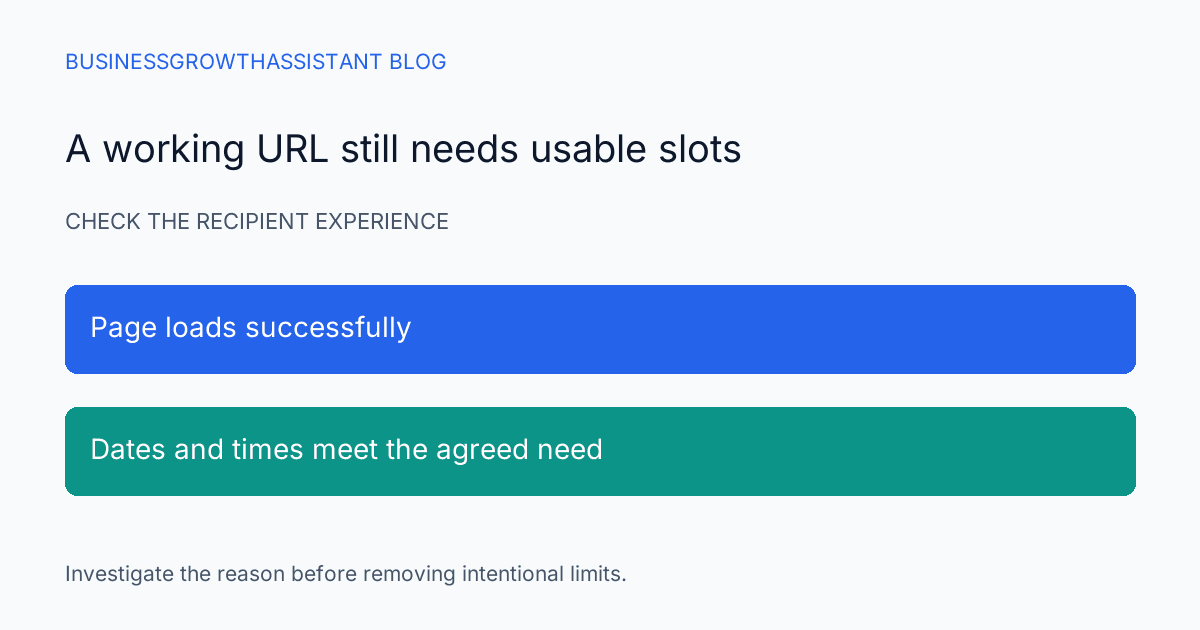
The outreach message is approved, the prospect list is ready, and the booking link opens successfully. Yet a recipient cannot find a suitable slot. A link test that checks only whether the page loads will miss this problem. The conversion path needs usable availability, not merely a working URL.
An empty scheduling page is not always broken. The host may be fully booked, a notice rule may intentionally prevent short-notice meetings, or a buffer may protect preparation time. The assistant's job is to identify the reason and connect it to the campaign's needs, not to remove every restriction until an appointment appears.
Test the link as a recipient
Open the exact link used in the approved message, including any event-specific path. Review the date range a recipient is likely to choose and the displayed time zone. Confirm the event duration, host identity, and meeting purpose. A working personal scheduling page is not proof that the campaign's specific event type is ready.
Use an authorized test without placing a real appointment unless the host has agreed. If a test booking is necessary, label it clearly and remove it through the normal process afterward. A test that consumes the last available slot can create the very problem the assistant is trying to diagnose.
Record the observation time and the dates inspected. Availability changes, so a screenshot from yesterday may not explain today's complaint. A useful issue report identifies the exact event link, the recipient's displayed time zone, and the interval with no acceptable slots.
Use the platform's reason codes
Calendly documents a troubleshooting tool that explains why a time is unavailable. Its examples include buffer time, busy calendar events, meeting limits, insufficient duration, minimum notice, inaccessible calendars, and host-distribution rules. These codes identify different causes and therefore different owners for a correction. Calendly troubleshooting guide
Use the tool through authorized access and preserve the relevant code and time. A calendar conflict is different from a disconnected calendar. A round-robin distribution rule is different from every host being busy. Reporting the actual reason lets the account owner decide what should change without guessing from a blank recipient view.
Compare the result with the campaign promise
If the message invites prospects to book this week, inspect whether this week has realistic availability. A calendar that offers only next month may be functioning correctly while contradicting the offer. The solution may be to revise the campaign wording or timing rather than change the host's schedule.
For a hypothetical consultation campaign, the owner might require several appointment options over the next five business days. That is an internal operating target, not a Calendly guarantee or universal best practice. The assistant should check the agreed target and report any gap before the send.
Also consider the audience's time zone and working hours. A host can have open slots that are impractical for the intended recipients. The review should state whether the availability is merely present or reasonably usable for the campaign's audience. Do not infer a prospect's preferences from geography alone when the campaign has more specific information.
Preserve intentional buffers and notice rules
A buffer may protect travel, preparation, or follow-up. Removing it can create back-to-back commitments that the host cannot sustain. Minimum notice may be necessary to prepare a useful meeting. These rules belong to the host's operating model, so the assistant should understand their purpose before proposing a change.
If a rule is more restrictive than the campaign requires, present the tradeoff. For example, reducing a notice period could create more near-term options but give the host less preparation time. The owner can approve a campaign-specific adjustment or choose a different outreach date. The report should not present more visible slots as automatically better.
When a change is approved, record the old value and the new value. Verify the recipient view afterward and confirm that the resulting slots are actually feasible for the host. A configuration change that makes time visible without solving a calendar conflict is not a successful repair.
Inspect connected-calendar issues with the right owner
If the troubleshooting evidence points to calendar access, route it to the account owner or authorized administrator. The assistant can identify the affected calendar connection and the observed symptom without requesting a password. Reconnection should use the organization's established account process.
For busy-event conflicts, inspect whether the event is genuinely unavailable time or an unintended status. Do not mark private appointments free merely to create campaign capacity. The calendar owner should decide whether the conflict is intentional, especially when the event title does not reveal its purpose.
A team event can introduce additional complexity. One host's availability may not establish the event's availability under its distribution rules. Use the actual event type and platform explanation rather than checking individual calendars in isolation and assuming the collective result should be open.
Decide what to do with an already queued campaign
If a send is waiting and the booking path cannot meet the agreed standard, notify the campaign owner with the concrete options. Those may include delaying the send, using a different approved event type, or adjusting the message to offer a reply-based scheduling path. The assistant should not quietly substitute a colleague's personal calendar.
If the campaign has already gone out, preserve the original link and collect the affected period. The owner can decide whether to restore availability, reply to interested prospects, or send a correction through the normal campaign process. Avoid broad follow-up messages before understanding whether the problem affected everyone or a narrow time window.
The incident record should distinguish an unavailable path from a failed meeting outcome. A prospect who found no slots is not the same as a booked prospect who did not attend. Keeping these states separate helps the team diagnose the actual conversion friction.
Make availability part of recurring outreach preparation
An outbound sequencing assistant can check the booking path alongside the message and recipient list. The lead-response handoff research addresses the broader transfer from interest to action; calendar availability is one concrete point where that transfer can fail.
The final check should answer whether the correct link offers usable times, whether restrictions are intentional, and who owns any exception. Once those answers are recorded, the campaign owner can choose a send time with a realistic understanding of the capacity behind the call to action.
Sources
- Calendly Help Center, How to troubleshoot unavailable times that should be available, checked October 2, 2026.


