Conversion tracking is the part of paid ads that breaks quietly. A tag stops firing after a site change, a form submission counts twice, and suddenly the campaign optimizer is learning from the wrong numbers.
When tracking is handed between people or agencies, the risk goes up. A checklist keeps the data trustworthy through the transition.
The goal is simple. Every conversion that matters is counted once, attributed to the right source, and owned by a named person.
Why tracking breaks after a handoff
Tracking lives across several systems: the site, the tag manager, the ad platforms, and the CRM. A handoff usually changes access, code, or naming, and any of those can silently break a connection.
The person receiving the work may not know which conversions are critical and which are experiments. Without a list, they cannot verify what they inherited.
Start the handoff with an inventory, not a transfer of passwords.
List every conversion action
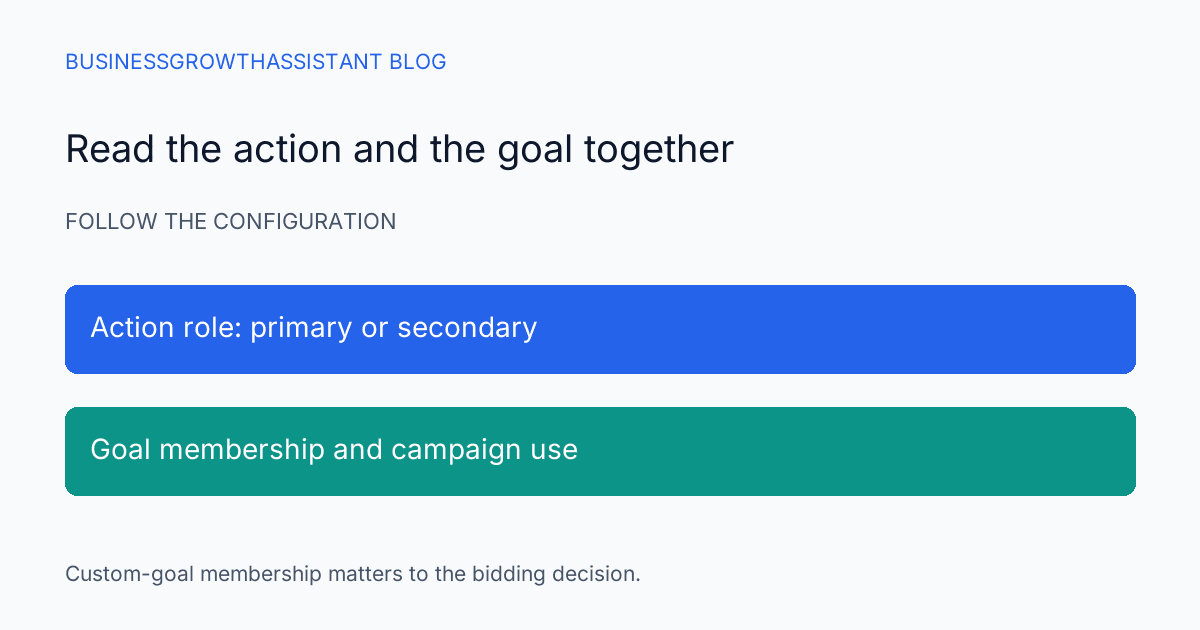
Write down each conversion action, what triggers it, and where the value comes from. Include form submissions, purchases, booked calls, and any offline events imported from the CRM. Mark each one as primary or secondary.
For each action, note the platform it reports to and the person who owns it. This list is the contract for the handoff.
Verify the list against the ad platform's conversion settings. A conversion that exists in the tag manager but not in the ad platform is not being optimized.
Confirm the tag fires before the form submits
Test the order of events, not just their presence. A tag that fires on page load instead of on a successful submit will count visits as conversions. A tag that fires before validation will count failed submissions.
Walk through a real form as a user and watch the tag manager preview. Confirm the tag fires only after the success state.
Repeat the test on mobile, because a different form or layout can change the trigger.
Check for duplicate counting
Duplicate conversions are more common than missing ones, and they inflate results in a way that is hard to notice. Common causes include a tag firing on both a button click and a thank you page, and an import that re adds events already tracked on site.
List every source that can record the same conversion and confirm only one is active. If two systems must both capture it, make one clearly the reporting source and the other informational.
The Tag Manager help explains how triggers and tags interact. Use it to confirm a trigger is not firing more than once per action.
Test lead forms end to end
Submit a test lead with a recognizable name and follow it through the whole path. Confirm it appears in the ad platform, the analytics tool, and the CRM, with the same timestamp and source.
Check that the source is attributed correctly. A test lead that shows as direct traffic when it came from a paid click points to a parameter or consent problem.
Remove the test lead after confirming, and note the test in the tracking log.
Verify offline imports
If you import offline conversions from the CRM, confirm the import is current and that the matching key is stable. A changed identifier can cause conversions to fail silently.
Check the lookback window on each import. An import that reaches back too far can attribute old sales to new campaigns.
Reconcile the imported count against the CRM report for the same period. A gap means the import is incomplete.
Document ownership and access
Name one owner for each tracking component: the site tag, the tag manager container, each ad platform, and the CRM import. Record who has access and why.
Remove access for people who have left the handoff, but keep at least two current admins so a single departure does not lock the account.
Store the documentation where both teams can reach it, not in a personal drive.
Re-audit after any site change
Any change to a form, a page template, or a checkout can affect tracking. Add a tracking check to the release process so a broken tag is caught before a campaign spends against bad data.
Re-run the end to end test after every significant site change, and compare the conversion count before and after. A sudden drop is a signal, not a coincidence.
Reconcile tracking against the CRM
The ad platform is not the only place conversions appear. Reconcile its numbers against the CRM for the same period, because a lead the CRM never received is not a real conversion.
Compare counts by week rather than only by month. A weekly comparison locates a break in time, while a monthly total only shows that something is off.
Investigate the largest gaps first. A common cause is a form that succeeds on the page but fails to save the record, which the visitor sees as a completed form and your team never sees at all.
Record the reconciliation result in the tracking log, including the difference and the explanation. A known gap is manageable, an unknown one is not.
Repeat the reconciliation monthly even when nothing looks wrong. Tracking drifts gradually, and a routine check catches the drift before a quarter of optimization rests on bad numbers.
Clean tracking is an operational discipline with clear checks, which makes it a strong candidate for delegation once an owner defines the standard. To have it maintained, our paid ads ops service, or request a consultation before your next campaign launch.