A marketing team adds a new conversion action so it can observe an early sign of interest. The assistant marks it secondary and assumes the action cannot influence bidding. That conclusion is incomplete until the campaign's goal configuration is checked. The label on one action is only part of the account's decision structure.
For delegated paid-ad administration, the useful habit is to trace the action from its business meaning to the goals and campaigns that use it. This prevents a reporting request from silently changing what the advertising system is asked to pursue. It also makes a later report easier to explain when two conversion columns show different totals.
Start with the business purpose
Describe the new action in plain language. A pricing-page view, a submitted consultation request, and a completed purchase represent different levels of commitment. The owner should decide whether the action is merely useful context or an outcome the campaign should optimize toward.
Do not infer that decision from how easy the action is to measure. A frequent event may provide plenty of data while remaining a weak proxy for the business objective. Conversely, a valuable action may be infrequent and require careful reporting. The assistant can document those tradeoffs without choosing the optimization target independently.
Record the event or source behind the action, the intended interpretation, and the person responsible for the definition. If the same user behavior is represented by several actions, identify that overlap before adding another one. A new label does not necessarily create a new business outcome.
Read the action and goal together
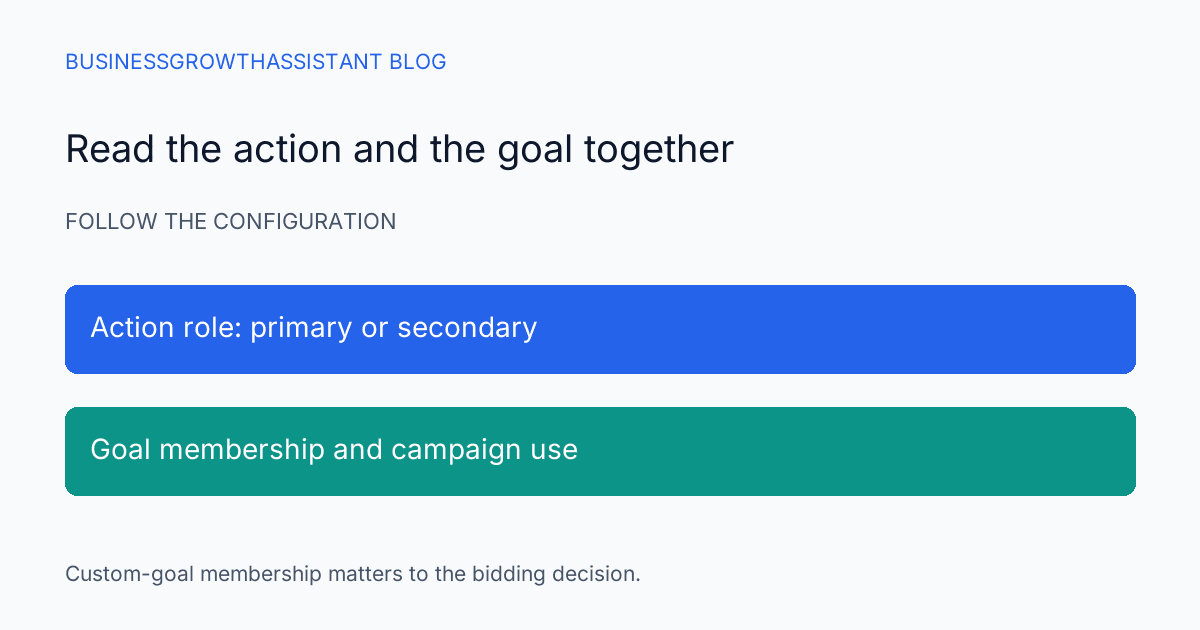
Google documents that primary actions are used in the Conversions column and for bidding when the associated standard goal is used. Secondary actions generally appear in All conversions for observation. It also documents an important exception: actions included in a custom goal are used for bidding regardless of whether they are primary or secondary. Google conversion-action guidance
The practical implication is to inspect both the action setting and its goal membership. A screenshot of the secondary label alone is not enough to support an observation-only claim. The review needs to identify the campaigns using the relevant goals and any custom-goal configuration that changes the interpretation.
Build a small dependency map
Prepare a table with the action name and identifier, business meaning, primary or secondary setting, relevant goal, and campaigns using that goal. Include the observation time because configuration can change. The table should be narrow enough for the owner to review, not a full export of every unrelated account setting.
For a hypothetical new brochure-download action, the intended role may be supporting evidence for lead nurturing. If it appears in a custom goal used by an acquisition campaign, the configuration may not match that intent. The assistant should flag the discrepancy and ask the authorized owner to choose the desired state.
If the account has many campaigns, group them only after verifying that their goal configurations match. Account-level defaults do not prove that every campaign follows the same setup. A campaign-specific exception can be exactly where the unintended behavior occurs.
Keep reporting definitions visible
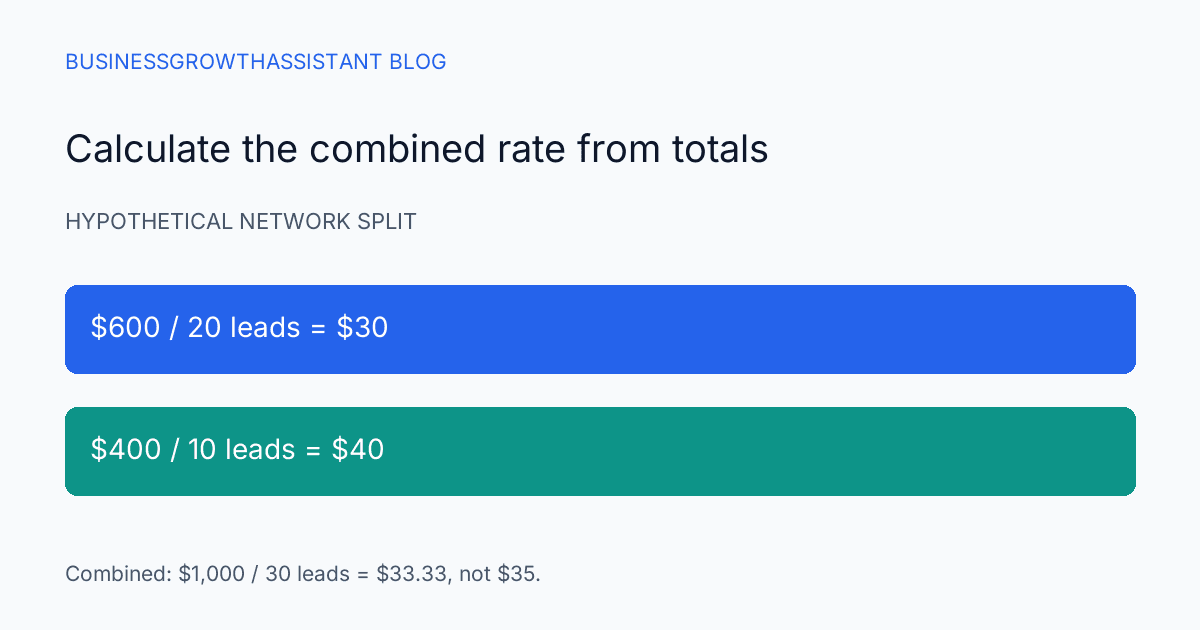
Explain which column the report uses and which actions contribute to it. A total from All conversions may include observations that the owner does not consider acquired leads. Copying that total into a dashboard labeled qualified leads creates a business-definition error even if the platform export is accurate.
Use a small illustrative example in the internal report if needed. Suppose a campaign records ten request forms and forty brochure downloads. Reporting fifty leads would be unsupported unless the business explicitly defines both actions as leads and accepts the possibility of overlapping people. The counts describe actions, not automatically fifty distinct customers.
A change in the action set can also break a trend. If this week's report includes downloads and last week's does not, a rising total may reflect the definition change. Annotate the comparison and preserve the prior definition rather than rewriting historical meaning to make the chart continuous.
Review before editing
The assistant's task may be read-only inventory, a recommended correction, or an authorized configuration change. Make that scope explicit. Changing the action's role can affect campaign optimization, so a request to tidy a report should not become permission to alter goals.
The proposed change should name the current state, intended state, affected campaigns, and reason. If the owner wants observation only, the proposal must address any custom-goal membership that conflicts with that intention. If the owner wants optimization, it should identify the business outcome being promoted and the reporting implications.
Preserve enough before-state evidence to explain or reverse the configuration change through supported controls. Do not promise an immediate performance improvement. A cleaner configuration can align the system with the intended objective without guaranteeing the campaign's commercial result.
Verify configuration and behavior separately
After an authorized edit, reread the action and campaign settings rather than relying on the save confirmation. Check that the intended goal membership and action role persisted. Record the time and the operator. This establishes that the configuration changed as requested.
Then verify that the underlying action is still being measured through the account's normal testing process. A correct primary or secondary label does not prove the event fires at the right time or avoids duplicate collection. Those are separate checks and may require the tracking owner.
Performance monitoring comes later and should use the agreed outcome definition. Do not attribute every subsequent fluctuation to the goal change. Other campaign edits, audience shifts, and conversion timing can influence the result. The report should distinguish the verified configuration from the observed performance and the unproven explanation.
Keep the handoff usable for the next review
A paid ads operations assistant can maintain this dependency map and flag drift when new actions or goals are introduced. The conversion-tracking handoff guide covers the broader measurement transfer; this check focuses on whether an observed action can influence the campaign's objective.
The task is complete when the owner can answer three connected questions: what does the action mean, where is it reported, and which campaigns can use it for optimization? That is a stronger operating record than a list of primary and secondary labels with their campaign context missing.
Sources
- Google Ads Help, About primary and secondary conversion actions, checked October 2, 2026.