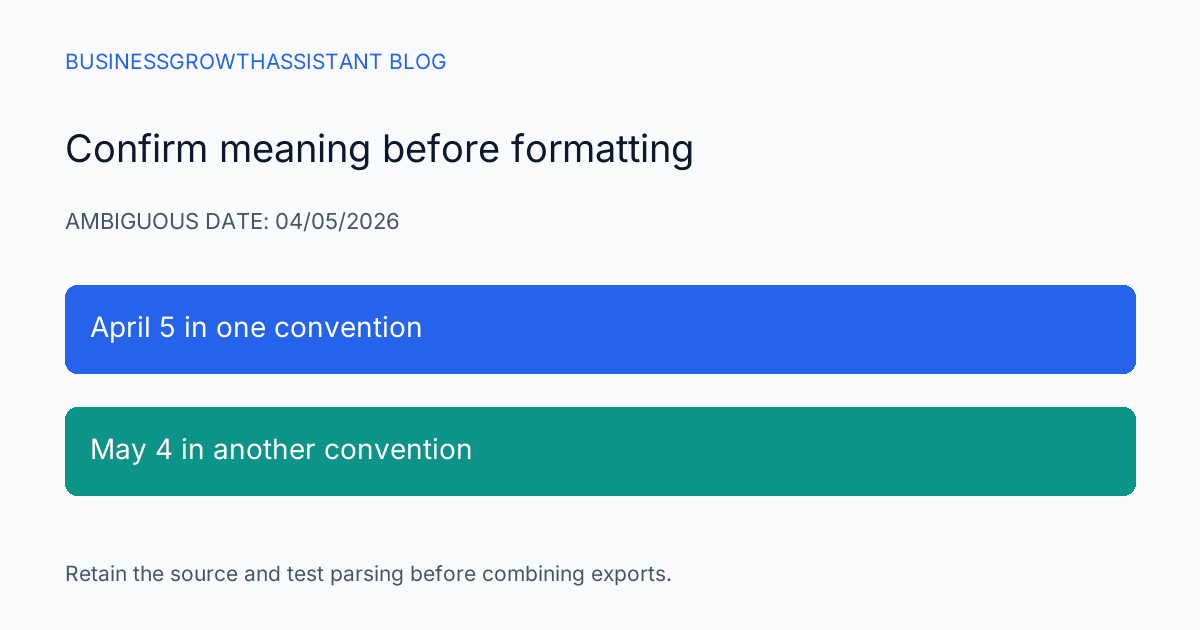
A campaign export says 04/05/2026. One colleague reads April 5; another reads May 4. A spend value with a comma can be a decimal amount in one convention and a thousands-separated amount in another. When a distributed team combines exports, these differences can move performance into the wrong period or change a total without producing an obvious spreadsheet error.
The solution is to establish the file's meaning before formatting it. Locale, currency, and time zone are related settings, but they answer different questions. A dollar symbol does not identify every possible dollar currency, and a date format does not tell you which time zone defined a reporting day.
Record the source conventions
For each export, note the system, account, reporting range, currency, time zone, and date representation. If the source does not state one of these, mark it unresolved rather than assuming it matches the destination workbook. The person preparing the report should be able to explain how a row was interpreted.
Keep the original export unchanged. A working copy can be normalized, but the source must remain available if a date or amount needs to be checked. Renaming a file is not enough evidence of its conventions; record the relevant export settings or documentation in the restricted work record.
Inspect the workbook settings
Google documents that changing a spreadsheet's locale and time zone affects its default currency, date, and number formatting, and that these settings apply to the spreadsheet for everyone using it. The locale change is separate from the user's display language. Google Sheets settings guidance
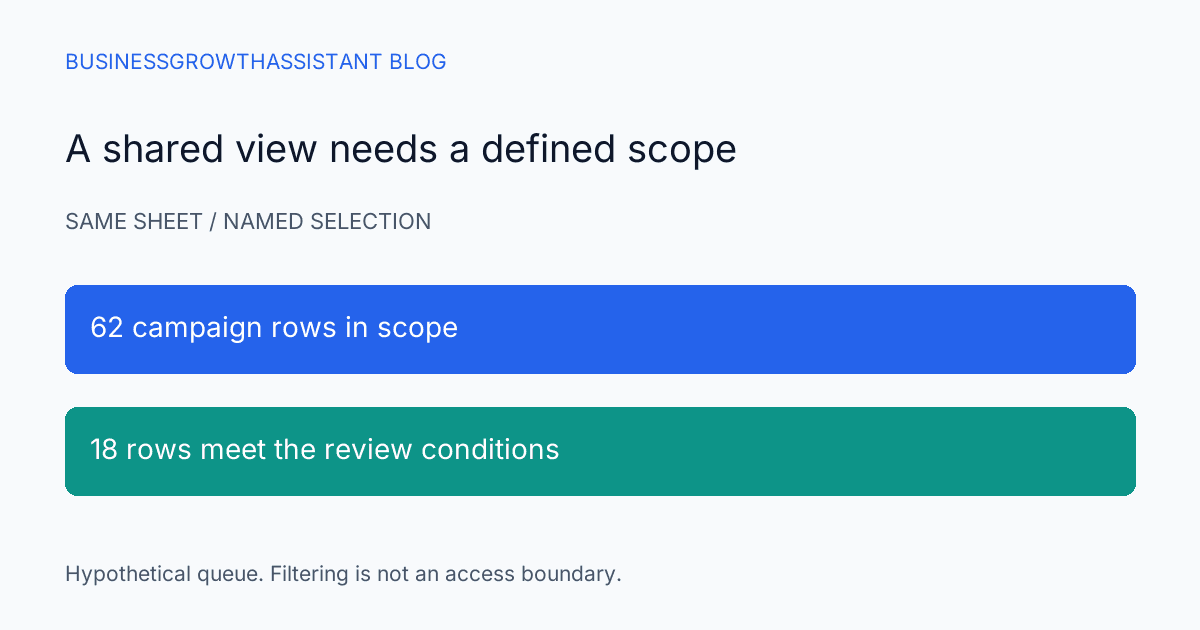
That shared scope matters when an assistant is troubleshooting. Do not change a production reporting workbook's locale as a private experiment while others are using it. Prepare a controlled copy or obtain the reporting owner's agreement, then verify the effect on the formulas and imported data the workbook actually contains.
Use dates that expose ambiguity
Testing only a date such as 15/10/2026 may reveal whether a parser accepts the format, but it does not cover the dangerous case where both day and month are twelve or less. Include a clearly ambiguous date and a clearly unambiguous date from the expected source format.
For a hypothetical test, define in advance that 04/05/2026 means May 4. After import, inspect the stored date and its displayed form. If the result is April 5, changing the cell's display pattern may merely disguise the wrong underlying date. Correct the parsing from the preserved source rather than treating the appearance as proof of meaning.
Where practical, use an unambiguous date representation in normalized working data and keep the original text in a separate audit column during preparation. A date-only field should also remain distinct from a timestamp. Converting between them can change which reporting day receives an event when time zones differ.
Test amounts with known arithmetic
Choose a small sample containing a decimal amount, a large amount, zero, a negative adjustment if the source supports one, and a blank. Write the expected numeric values before import. Then calculate a simple control total and compare it with the source system's total for the same sample.
Suppose a fictional export contains 1,25 and 2,50 under a decimal-comma convention. The intended sum is 3.75 in decimal-point notation. If the imported values become 125 and 250, the result is off by a factor of one hundred. A currency format can make the cells look financial without correcting that interpretation.
Do not replace every comma in a file indiscriminately. Commas may separate fields, appear in quoted text, or act as thousands separators. Use an import process that respects the file structure and the field's documented convention. A global text replacement can repair one numeric column while breaking company names or descriptions elsewhere.
Keep currency conversion separate
Two correctly parsed amounts are not automatically additive if they use different currencies. Label the source currency explicitly and decide whether the report should keep separate totals or apply an approved conversion method. The assistant should not choose a convenient exchange rate simply to produce one headline number.
If a reporting owner supplies a conversion policy, record the rate source, effective date, and whether the same rule applies to every row. Preserve the original amount and currency alongside the converted value. This is a reporting-control practice, not a recommendation about which financial policy a business should adopt.
A workbook's default currency format is only a display convention. It does not prove that imported values were converted economically. A sheet showing every amount with the same symbol can still contain mixed-currency data, which makes a visually polished dashboard especially risky if the underlying labels have been lost.
Reconcile reporting boundaries
After dates and amounts parse correctly, check the reporting period. A source account using one time zone may define a day's activity differently from another. A campaign export and a CRM export can both be accurate while placing a late-night event on different dates.
For recurring reports, define whether the team compares source-system days or normalizes timestamps to a common reporting zone. Record the decision in the report definition. Do not infer it from the computer's local clock. If only date-level aggregates are available, the data may not support a precise reallocation across time zones.
This limitation belongs in the report note when it affects a conclusion. A small difference near a month boundary may be a timing issue, while a large unexplained difference still needs investigation. The presence of a plausible time-zone explanation is not permission to stop reconciling the actual numbers.
Hand off a tested import rule
A marketing analytics assistant can maintain a short import specification for each recurring source. Include the conventions, sample cases, expected totals, and destination settings. Reuse it until the source format changes, then rerun the checks before updating the production workbook.
The measurement-boundaries research provides broader context for interpreting marketing data. This task's completion test is concrete: dates mean the intended dates, amounts retain their numeric meaning, currencies remain identified, and the reporting boundary is explicit. Once those conditions hold, the team can discuss campaign performance without first untangling a hidden formatting disagreement.
Sources
- Google Docs Editors Help, Set a spreadsheet's location and calculation settings, checked October 2, 2026.